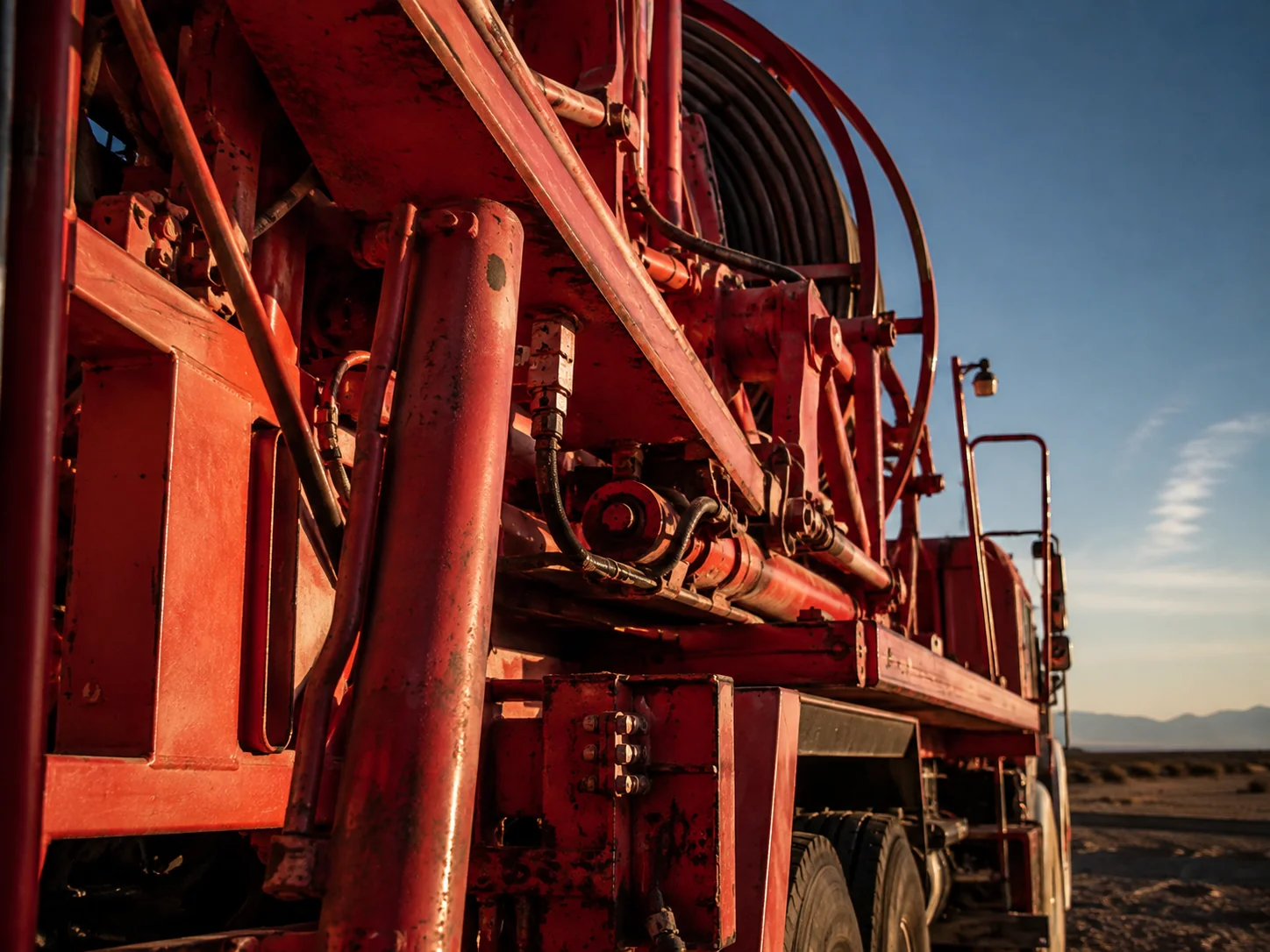
A company website should help someone decide whether a conversation is worth having. For an oilfield services business, that means making the work, the operating limits, and the people behind it easy to understand. A dramatic opening image can get attention. What follows has to answer the questions.
What work do you actually do?
Name the services in the language a customer uses when arranging a job. “Complete energy solutions” leaves the reader to interpret the offer. Coiled tubing, pressure testing, equipment rental, or field maintenance gives them a starting point.
Give each major capability enough space to explain its scope. Describe the work you take on, the equipment involved, and any important boundaries. A long list of service names is useful for navigation; it is rarely enough to qualify a supplier.
What can you put behind that claim?
Match a capability with relevant evidence. That might be an equipment specification, a field photograph, a description of a completed scope, or a qualification that applies to the work. Keep claims within what your team can support and what you have permission to publish.
- Put the relevant specification beside the equipment.
- Identify the scope of a project example, rather than relying on a photograph alone.
- Keep qualifications current and explain what they cover.
- Use real team and equipment photography when it is available.
Where do you operate?
Make your operating area explicit. An office address does not explain where crews mobilize, where equipment is based, or which areas you routinely serve. Distinguish the head office from field locations, and explain how someone should enquire about work outside your usual coverage.
A map earns its place when it makes that information easier to read. If a short list of locations is clearer, use the list.
Does the same information work on a phone?
Check the actual service pages on a small screen. Equipment details should remain readable, navigation should stay available, and the route to contact should not depend on opening a PDF or finding a tiny footer link.
Keep useful content available on mobile. Google uses the mobile version of a site’s content for indexing and ranking, so a stripped-down mobile page can also leave search engines with less to understand.
More on content parity: Google’s mobile-first indexing guidance.
What should the buyer do next?
Use an action that matches the conversation: discuss a job, enquire about equipment, or contact the relevant team. If enquiries go to one person, make that route clear. If there are several departments, explain the difference.
Before launch, ask someone unfamiliar with the business to find one service, its supporting evidence, your operating area, and a way to enquire. The points where they hesitate are a useful editing list.